 Master
Build
Files
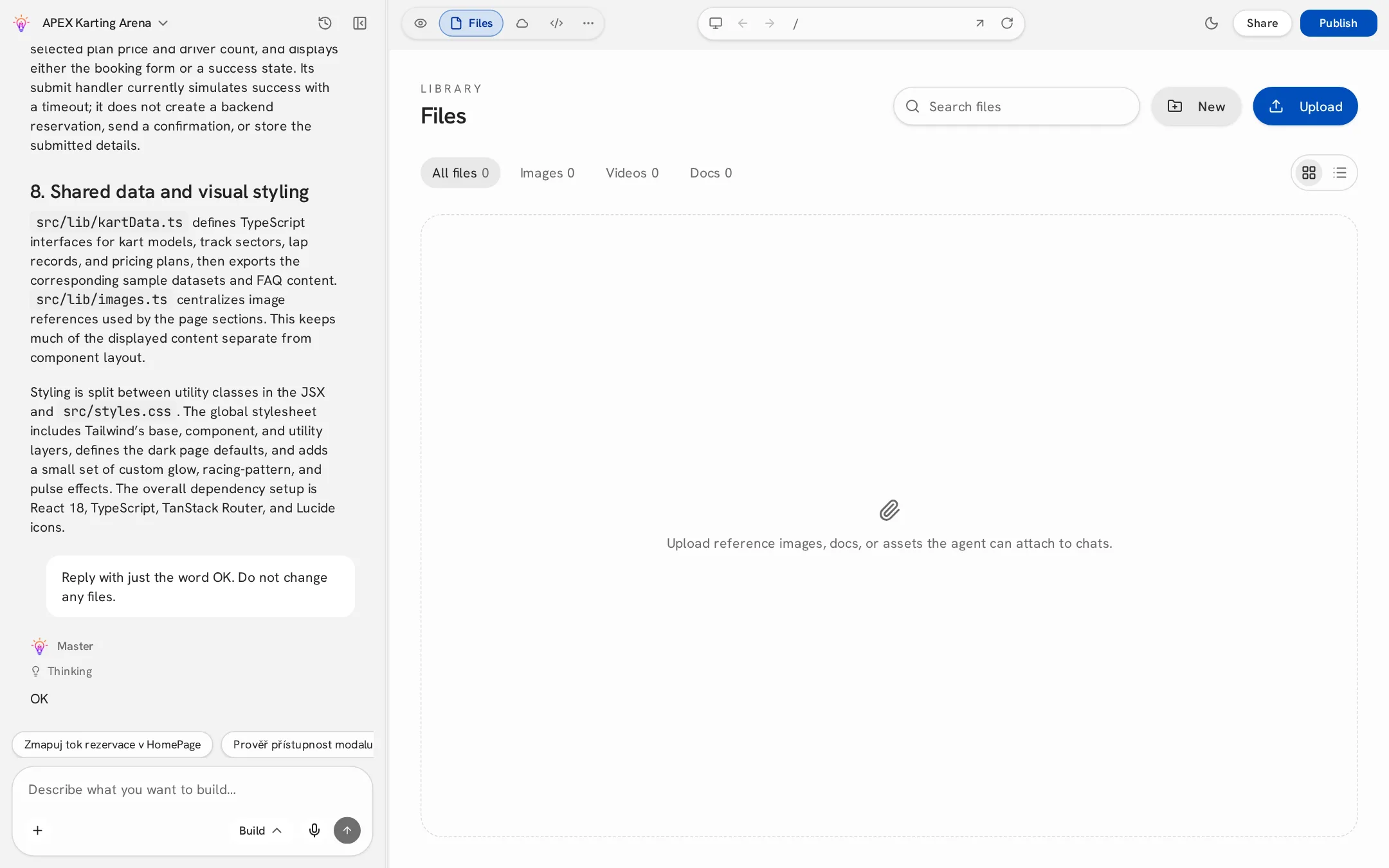
Upload, organize and preview files — and let Master create documents for you.
Uploading
Open the Files view and click Upload, drag files onto the panel, or use the paperclip in the chat. Uploaded files can be attached to any message so Master can use them — for example a logo, product photos or a price list.
Organizing
- Filters — All, Images, Videos, Docs, with counts.
- Collections — click New to create one, then assign a file to it from its preview.
- Grid or list — switch layouts in the top right.
- Search by file name.
Preview
Click a file to open it across the whole panel: images and PDFs render directly, CSV files as a table, text and code as text. Use Download in the top bar or close the preview to go back.
Files created by Master
Ask in the chat, e.g. “Create a PDF price list from our services”. Master generates the file and saves it to Files.
| Supported formats | Limits |
|---|---|
| TXT, Markdown, CSV, JSON, PDF, DOCX, XLSX, PNG | Up to 4 files per message, 10 MB each |
Files are private. Only the project's owner and collaborators can see them; there are no public links.