 Master
Getting started
Projects dashboard
Find, organize and manage all your projects.
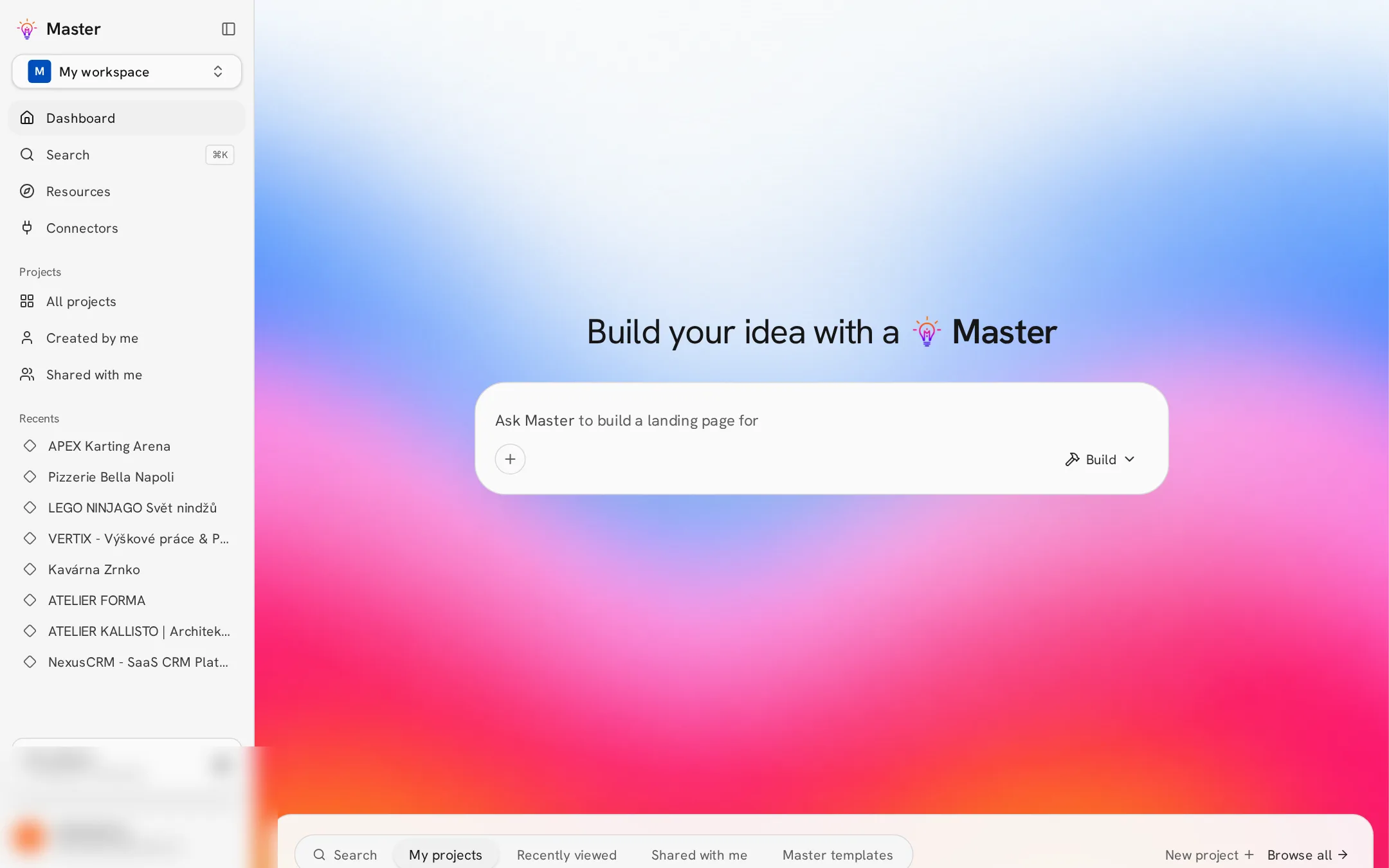
The Projects page is your home base. The sidebar shows your workspace, search, recent projects and quick filters; the main area has a prompt box to start something new and your project grid below.
Tabs and filters
| Tab | Shows |
|---|---|
| My projects / All | Every project in the active workspace. |
| Created by me | Only projects you started. |
| Shared with me | Projects other people invited you to, including from other workspaces. |
| Recently viewed | Projects you opened lately. |
| Starred | Projects you marked with a star. |
| Templates | Starting points you can remix. |
Project actions
Open the ⋯ menu on a project card to rename, star, move it to a folder, remix (copy) it, share it, see details or delete it. Deleting cannot be undone.
Switching workspaces
Use the workspace switcher at the top of the sidebar. Projects, members, plan and credits always belong to the selected workspace.